ATLASAcademy

Catalog / AI for Every Age

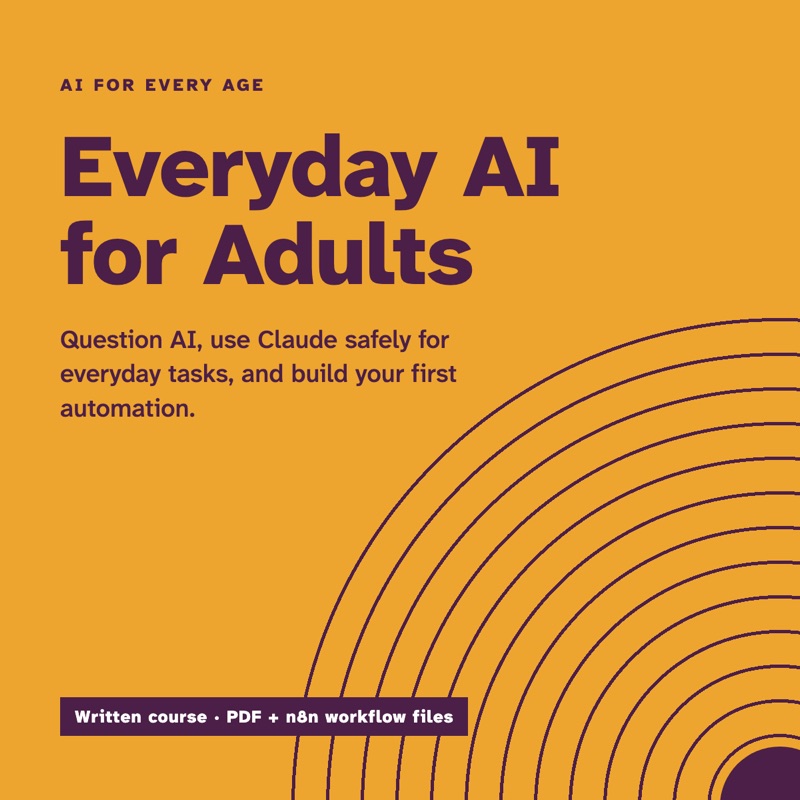
Cover of Everyday AI for Adults, from the AI for Every Age course: purple type on marigold with concentric arcs.

Course

AI for Every Age

Two written courses for using AI safely at home: Everyday AI for Adults, and a large-print edition for readers 60 and over.

Sold to adults 18+. The Claude lessons are for adults; this course never asks a child to use Claude.

Everyday AI for Adults

The full adult course: 60 lessons, a 182-page PDF, 4 n8n workflow files and a ready-made Claude Skill.

$29

Safe and Simple AI 60+

The large-print edition: 17 lessons in an 87-page PDF, safety first, one step at a time.

$19

Both editions

Everyday AI for Adults and Safe and Simple AI 60+, for a household where more than one generation is learning.

$39

Delivered right after payment, on your own access page.

14-day money-back guarantee: if it isn't useful, email us within 14 days of purchase for a full refund, no questions asked. Refunds

Contents

Everyday AI for Adults
60 lessons in 9 modules; one PDF, 182 pages, US Letter; 4 n8n workflow files; a ready-made Claude Skill
Safe and Simple AI 60+
17 large-print lessons; one PDF, 87 pages, US Letter; 17-point body text
Claude plan
Works on Claude's free plan (one optional adult lesson needs a paid plan, and says so)
Buyer
Adults 18+
Licence
One household

Counted from the files on 30 Sep 2026.

What you'll be able to do

Learn to question AI, use Claude safely for everyday tasks, and, in the adult edition, build your first useful automation. The large-print edition puts scam safety first and takes one step at a time. Buy one edition, or both for a household where more than one generation is learning.

  • Ask better and check better: every lesson includes a step for checking the answer.
  • Set up Claude on your own account, with privacy settings you understand.
  • Spot voice-clone calls, deepfakes and AI-polished phishing, and know what to do if a scam gets through.
  • Build a first automation in n8n that asks before it acts (adult edition).

What's inside

Adults, Module 0: Start here
  • 0.1 How this course works
  • 0.2 Who can use which AI in 2026
  • 0.3 Family AI Agreement
  • 0.4 Your one real-life goal
  • 0.5 Set up to learn
Adults, Module 1: What AI is
  • 1.1 AI is already in your day
  • 1.2 How computers see and hear
  • 1.3 How AI learns from examples
  • 1.4 Why chatbots can be confidently wrong
  • 1.5 AI and people
  • 1.6 Word wall
Adults, Module 2: Ask better, check better
  • 2.1 The CLEAR prompt
  • 2.2 The all-purpose prompt card
  • 2.3 Improve, don't restart
  • 2.4 Check before you trust
  • 2.5 A coach, not a ghostwriter
  • 2.6 Remove private details before you paste
Adults, Module 3: Your Claude account
  • 3.1 Create your account
  • 3.2 Free vs Pro vs Max
  • 3.3 Usage limits in plain English
  • 3.4 Privacy, memory, and incognito
  • 3.5 Voice mode and the mobile app
  • 3.6 Projects: instructions Claude remembers
  • 3.7 Families: the adult-at-the-keyboard setup
Adults, Module 4: Everyday AI studio
  • 4.1 Home and family
  • 4.2 School and learning
  • 4.3 Work and small business
  • 4.4 Health and money: know the limits
  • 4.5 Explain this letter
  • 4.6 Make something
  • 4.7 Accessibility and aging well
Adults, Module 5: Claude's toolbox
  • 5.1 Three shelves and a backpack
  • 5.2 Add a Skill from the directory
  • 5.3 Build your first Skill
  • 5.4 Connectors
  • 5.5 Permissions and how to disconnect
  • 5.6 Plugins
  • 5.7 Agents that take action
Adults, Module 6: Stay safe
  • 6.1 What never goes into an AI
  • 6.2 Voice-clone and family emergency scams
  • 6.3 Deepfakes: seeing isn't believing
  • 6.4 Phishing and AI-polished messages
  • 6.5 AI is not a friend
  • 6.6 Honesty, credit, and bias
  • 6.7 If it happens: report and recover
Adults, Module 7: n8n starter
  • 7.1 What a workflow is
  • 7.2 Counting runs
  • 7.3 Cloud trial or self-hosted
  • 7.4 Editor tour: testing vs publishing
  • 7.5 Build 1: Today's Plan Card
  • 7.6 Build 2: Family grocery form to Sheet
  • 7.7 Build 3: Weekly reading list
  • 7.8 Build 4: Inbox sorting by label
  • 7.9 Logins, backups, and exporting
  • 7.10 Fixing problems with Executions
Adults, Module 9: Capstone and certificate
  • 9.1 Choose your capstone
  • 9.2 Build, test, document
  • 9.3 Show and tell
  • 9.4 Certificate and next steps
  • 9.5 Staying current
Safe and Simple AI 60+
  • 0.1 How this book works
  • 0.2 Who can use which AI
  • 0.5 Set up your phone to learn
  • 6.1 What never goes into an AI
  • 6.2 Voice-clone and family emergency scams
  • 6.3 Deepfakes, seeing is not believing
  • 6.4 Phishing and AI-polished messages
  • 6.7 If it happens, report and recover
  • 2.6 Remove private details before you paste
  • 3.1 Create your Claude account
  • 3.2 Free, Pro or Max
  • 3.4 Privacy, memory and incognito
  • 3.5 Voice mode and the mobile app
  • 4.4 Health and money, know the limits
  • 4.5 Explain this letter
  • 4.7 Accessibility and aging well
  • 9.1 Choose your capstone

Who it's for

  • Adults who are new to AI, or who have tried a chatbot and want to use it with more care.
  • Parents who want house rules for AI, and small-business owners who want a first automation that asks before it acts.
  • Adults 60 and over, or adults buying for a parent or grandparent: print it, sit together for Lesson 3.1, then let them take it from there.

Who it isn't for

  • Children. Claude is for adults 18 and over, and these courses never ask a child to use it.
  • Anyone wanting a qualification. It isn't accredited; the certificate records that you finished this course, nothing more.

Pairs well with

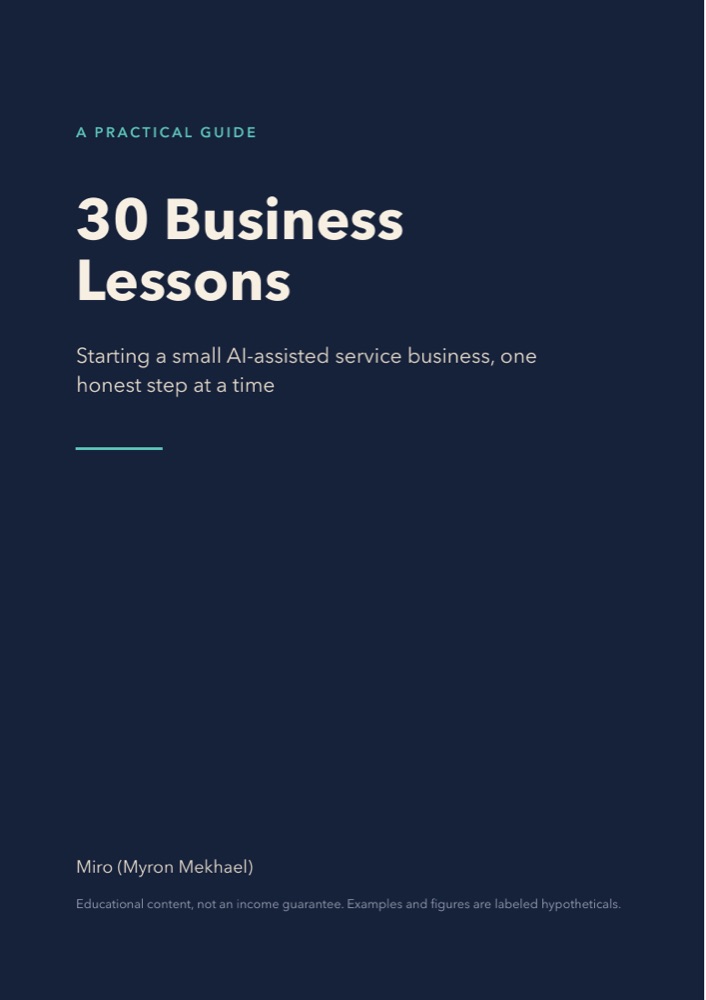
30 Business Lessons

For readers of lesson 4.3, Work and small business, who want to turn a skill into a small service of their own.

$9 See 30 Business Lessons

Questions

Can my child use Claude?

No. Claude is for adults 18 and over, and you may not share your account with anyone, including your children. In these courses, only an adult ever types or speaks to Claude. If a child has an idea, they tell you or write it on paper, and you type it in your own words. Never put a child's name, face, voice, school or photos into any AI tool.

Do I need to pay for Claude?

No. Every lesson in Safe and Simple AI 60+, and the core of Everyday AI for Adults, works on Claude's free plan. One optional lesson in the adult course (5.7, on agents that take action) covers features that need a paid Claude plan, and it says so.

Do I need to pay for n8n?

Not to follow the course. n8n offers a free 14-day cloud trial, and a free edition you can run on your own computer. Check n8n's current prices before you choose a paid plan.

Is this legal, medical or financial advice?

No. The courses teach you to use AI for questions, and to take decisions to a doctor, pharmacist, lawyer, bank or adviser.

I bought this for my parent. Can they use my account?

No. Claude accounts can't be shared. They set up their own free account, on their own phone, in Lesson 3.1. You can sit next to them while they do it.

What format are the files?

PDF, sized for US Letter paper. Everyday AI for Adults comes as a zip with the PDF, a folder of n8n workflow files (JSON) and a Claude Skill. Open the PDFs on a phone, tablet or computer, or print them. For Safe and Simple AI 60+, printing is recommended.

Why are some lessons dated?

Apps, screens and prices change. Lessons that depend on them say when they were last checked. If your screen looks different, the lesson tells you what to look for.

Refunds and licence

Refunds

14-day money-back guarantee: if it isn't useful, email us within 14 days of purchase for a full refund, no questions asked.

Licence

One purchase covers one household: everyone who lives in the buyer's home may use the guides and printables. Please don't resell or share them publicly. The buyer must be an adult. We never ask for a child's name, age or email.